Over the last few weeks, the busy elves at Wurkbuk (me) have been very busy fixing bugs and adding the last new feature of Wurkbuk Beta...
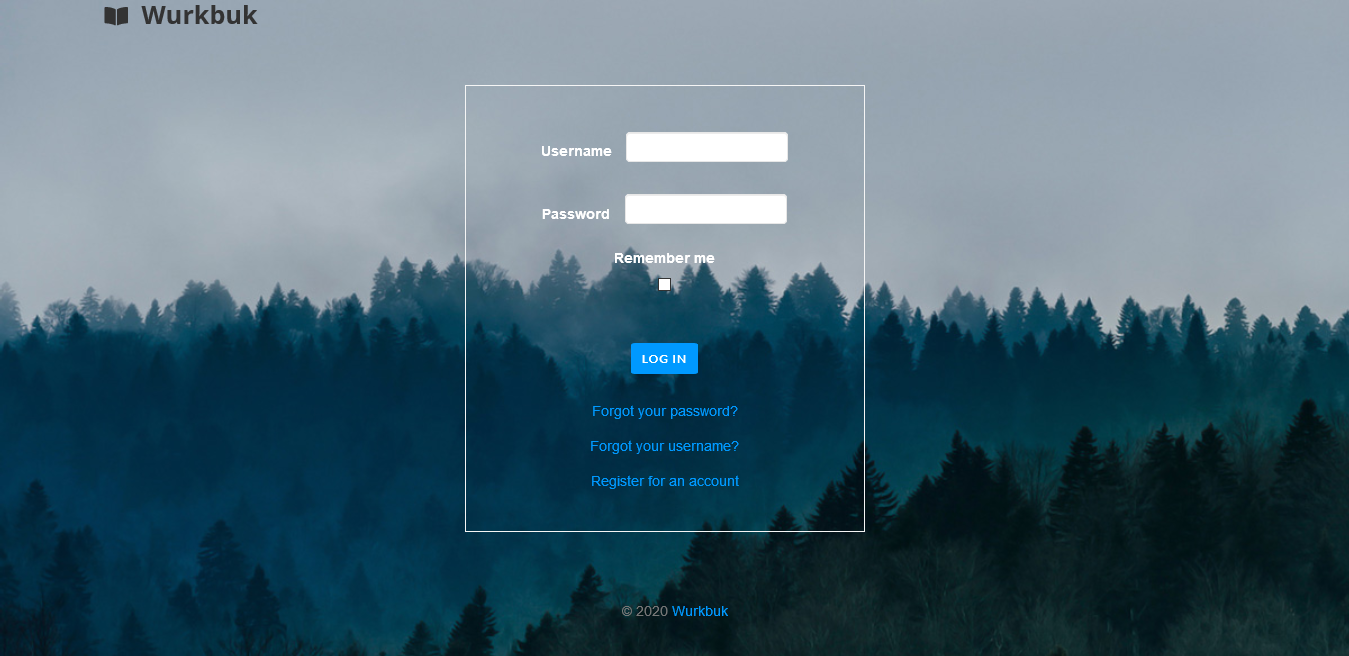
I'm excited to pronouce that the Wurkbuk Beta 1 is now live and available for people to register. Please note that as this is still in the testing phase, this is a closed beta, so all registrations will have to be approved. I'd like to invite teachers, educators, edtech enthusiasts and researchers to check it out and let us know what you think, by clicking the 'Give Feedback' button in the top extended menu bar.
You can access it by going to
Check out the help documentation to see how things work, and send us a message, if you want to know more.
Have fun :)
Wurkbuk are looking for Beta testers.
The beta version of Wurkbuk is just around the corner, and we're going to need some people to help test it. If you're a teacher or educator of some kind, or if you just have an interest in virtual learning environments or learning management, let us know. Please register your interest by sending us a message.

Wurkbuk is a website where you can create and share digital worksheets for teaching and learning. Wurkbuk helps you
- plan your lessons,
- teach using innovative tools and
- mark in a quick and easy way.
It could also be called a Virtual Learning Environment, or a Learning Management System, similar to Google Classroom, Moodle or Edmodo (RIP). It is specifically built with secondary classroom teachers in mind, however, is versatile enough to use in any learning environment. It is currently in Beta 3.5 phase and features
- a lesson editor, which can feature text, images, videos and other embedable media
- a quiz creator with 5 different question types which is also self marking
- the ability to share lessons and quizzes with students
- Google Docs integration with the ability to copy Google drive files for individual students
- a calendar to help manage and plan lessons
- importing and exporting of lessons, so you can share them with other teachers
- a resource database where you can download ready made lessons and quizzes
- feedback dialogue boxes underneath assignments to leave comments and marks for students
- different ways to organise assignments (by class, by student, by assignment) to make them easier to mark
- marksheet view to see all result, or just the results that you want in one place
- class sharing with other teachers
- the ability to create subgroups to help with differentiation
- importing of students via spreadsheet, Google Classroom or individually
Check out the tutorial videos and read through the help section to get an idea of what Wurkbuk looks like to use. You can also check out the demo site and register for your own free account.